Copyright © 2026 Unity Technologies
Reproduction steps:
1. Check out repository https://github.com/Wilfrid-Unity/test-unity-scene-brightness that contains repro-projects
2. Start UnityEditor from Trunk revision 38ec60822087 or later (Oct. 17)
3. Open either project "test-birp-scene-brightness" or "test-urp-scene-brightness" (issues happens both in URP, BiRP, and HybridRP)
4. Make sure that scene "Scenes/BlocksScene" is NOT opened in the Editor
5. Build and run a first Development Build of the project that includes only scene "Scenes/BlocksScene"
6. Take a first screenshot of the scene in the first Standalone Player
7. Now in UnityEditor OPEN scene "Scenes/BlocksScene"
8. Build and run a second Development Build of the project that includes only scene "Scenes/BlocksScene"
9. Take a second screenshot of the scene in the first Standalone Player
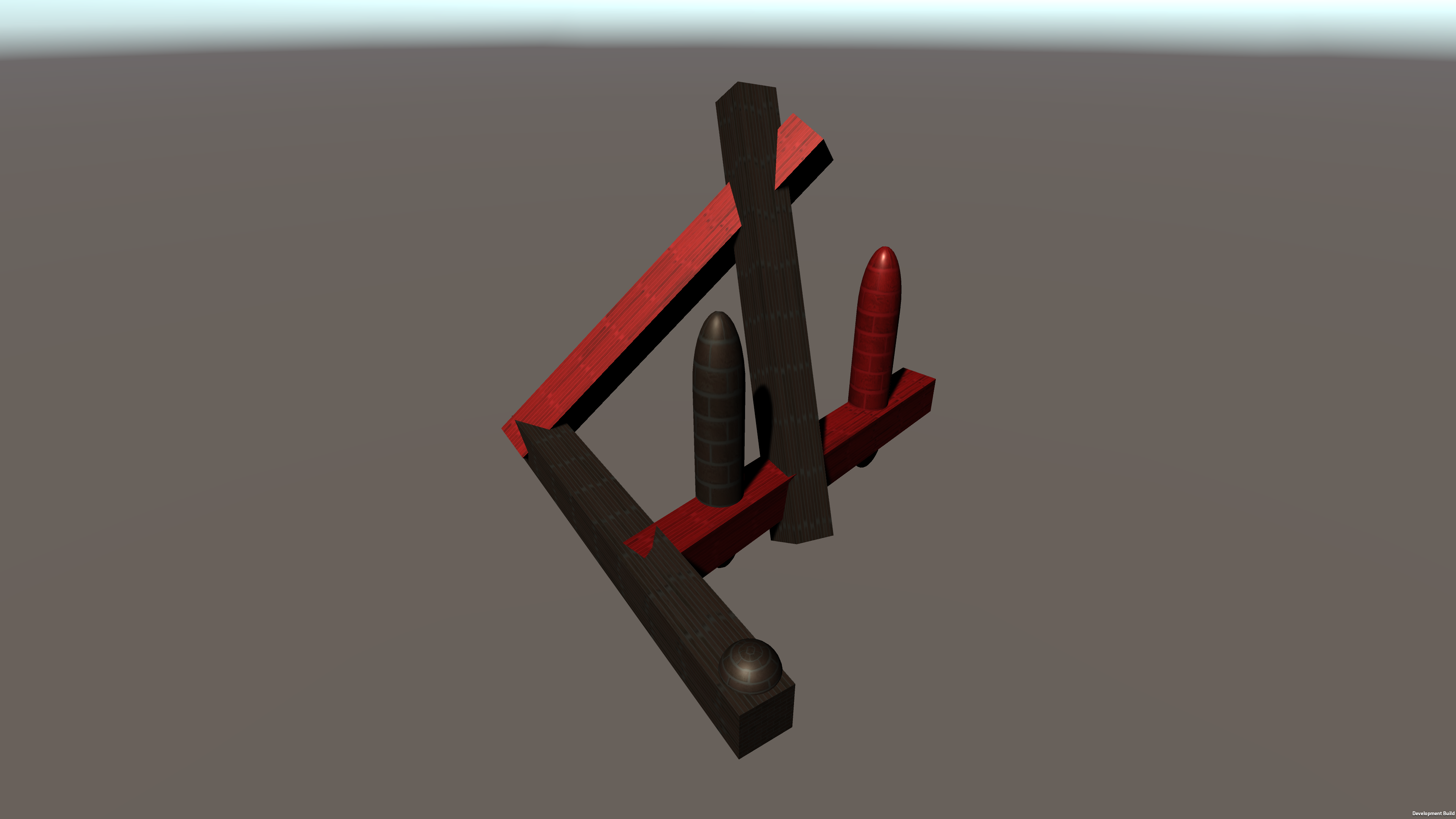
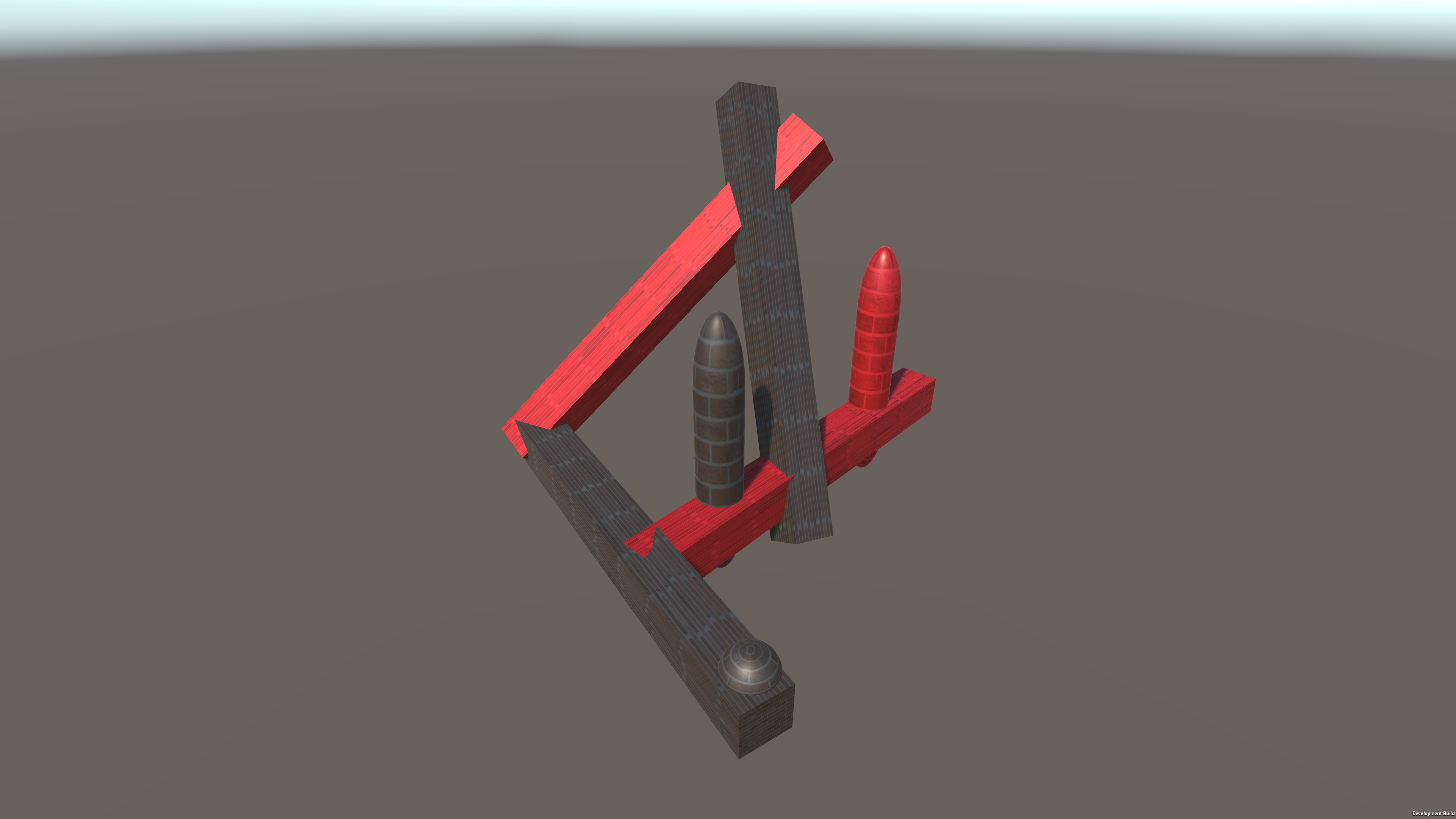
Expected Result: First screenshot and second screenshot look the same.
Actual Result: First screenshot is darker, second screenshot is darker. Regression introduced in Version 2019.4.20f1;
Compare:
https://raw.githubusercontent.com/Wilfrid-Unity/test-unity-scene-brightness/master/standalone-player-screenshot-when-scene-was-not-open-in-editor-at-build-time.png
https://raw.githubusercontent.com/Wilfrid-Unity/test-unity-scene-brightness/master/standalone-player-screenshot-when-scene-was-open-in-editor-at-build-time.png
Additional information:
The test scene that can be used for Hybrid Renderer is this one:
https://github.com/Unity-Technologies/Graphics/blob/d82f0afe1b663e7d3b2dc6df82fce48a9c4419fe/TestProjects/UniversalHybridTest/Assets/SampleScenes/BRGGameObjects/BRGGameObjects.unity
Issues you vote on will appear here